Your Emotions at a Glance
Track your emotions and activities in a beautiful app with plenty of emoji styles and vibrant themes.
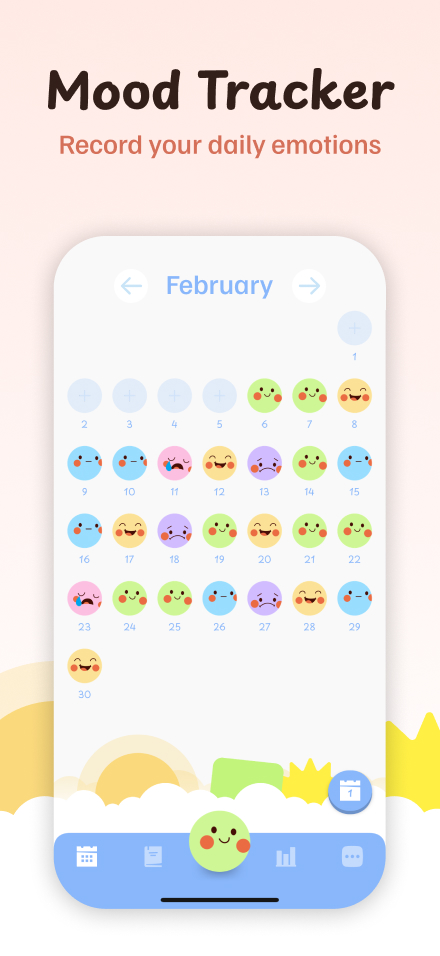
Why Try Emoko?
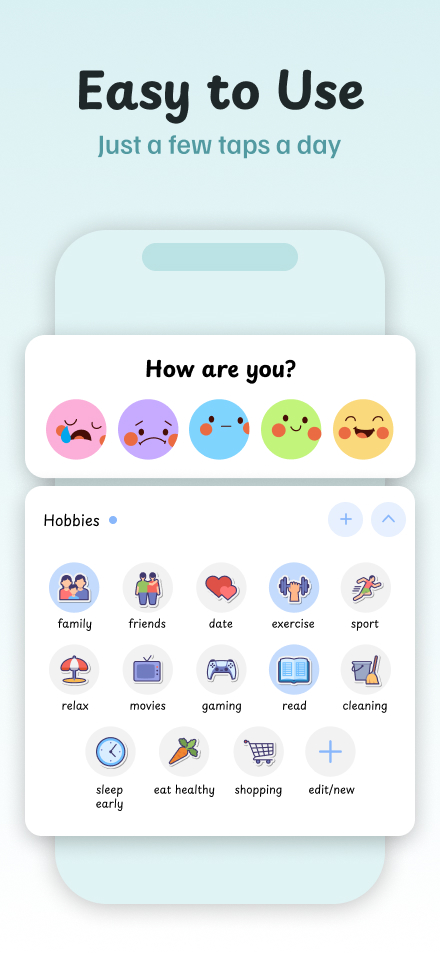
Simple & Focused
Designed for ease — a clean, intuitive experience without distractions.
Made to Match Your Mood
Pick from tons of gorgeous themes and fun emojis that reflect your vibe.
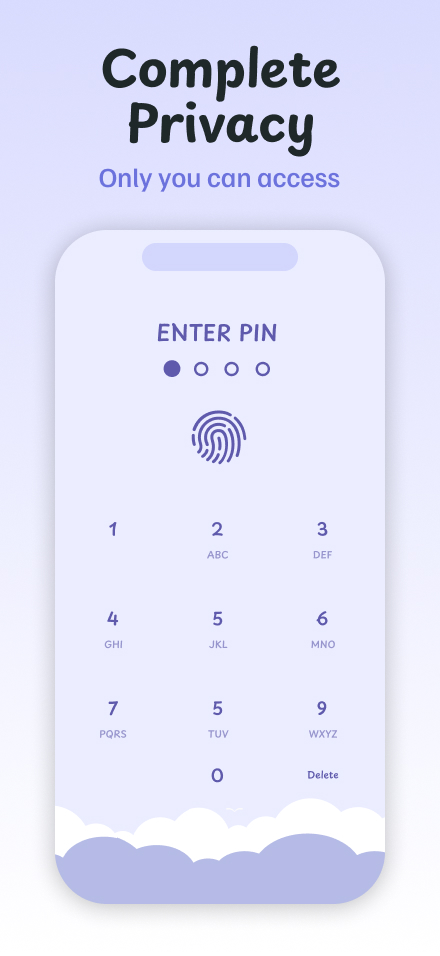
Your Data, Your Rules
Everything stays on your device — we never see or store your personal data.
Frequently Asked Questions
Absolutely! You can use Emoko for as long as you like. Just skip any upgrade offers and keep enjoying the free version.
Totally! Everything you write stays safe on your device — we never upload your data to our servers. If you choose to back it up, it’s sent securely to your Google Drive or iCloud, and only Emoko can read it. No other app or service can access your entries.
All purchases go through Apple or Google — they handle billing, not us. We don’t have access to your payment details and can’t issue refunds directly. If you need to cancel, change, or request a refund, here’s how:
📱 Android (Google Play):
– Manage your subscription
– Request a refund or report unauthorized charges
🍏 iOS (Apple App Store):
– Manage your subscription
– Request a refund or report a charge issue
Emoko lets you safely back up your data so you won’t lose your entries — even if you change phones. Backups are stored securely using your phone’s cloud service: Google Drive on Android or iCloud on iOS. You can even export a backup file and store it somewhere safe.
If you turn on Auto Backup in the app settings, backups run automatically in the background. You can also create a manual backup anytime for extra peace of mind.
If you forget your PIN, don’t worry — there are a couple of things you can try:
👉 Use fingerprint or Face ID
If you’ve enabled biometric unlock, you can still access the app without entering your PIN.
🔁 Restore from backup
If biometrics don’t work, you’ll need to reset the app. This will erase your data — unless you’ve enabled cloud backup.
Here’s what to do:
1. Uninstall the app.
2. (Android only) Go to Settings > Apps > Emoko > Storage > Clear Data.
3. Reinstall the app from Google Play or the App Store.
4. Follow the setup steps and select “Restore from backup”.
5. After restoring, set a new PIN.
⚠️ No backup?
If backups weren’t enabled, we can’t recover your PIN or data. Only you can access your entries. To prevent this in the future, turn on automatic backup in the app settings.
Sometimes after reinstalling or updating, your Premium access might not show up right away. Here’s how to fix it:
🟢 Android:
* Open the Buy Premium screen — Emoko will try to restore your purchase automatically.
* Make sure you're signed into Google Play with the same account you used to buy Premium.
* If you have multiple accounts, switch or remove the others.
* Try restarting your device, clearing Google Play’s cache and data, and reinstalling the app.
* Important: Back up your data before clearing anything!
* If you requested a refund, your license is no longer valid.
🍎 iOS:
* Use the same Apple ID you used for the original purchase.
* In Emoko, go to the Buy Premium screen and tap Restore in the top corner, or find it in More > About.
* Check that in-app purchases are allowed in your device settings.
* Try force-closing and reopening the app, or restart your device.
* If you requested a refund, your license is no longer valid.
⚠️ Cross-platform note: Purchases can’t be transferred between iOS and Android.